
THE MASONRY CONTRACTOR’S TOOLKIT

Built for the way
masons work.

From the bid desk to the last course.
Bring your plans, field questions, and daily work into one purpose-built toolkit.

Coming soon to the App Store
Take a closer look
Made for iPhone/Office + Foreman workspaces
THE REAL APPOWNER’S IPHONE CAPTURES
Owner-supplied iPhone screenshot of Plumb Leveled and Square showing the current gold masonry logo, Foreman and Office workspaces, Replay Tutorial and Sign Out.
Actual iPhone screenshots supplied by the owner; images are unaltered.Workspace screen with the current logo, supplied by the owner. Shown unaltered.Captured app version has not been verified against the final App Store submission build.Open full screenshot
YOUR TRADE.
YOUR TOOLKIT.
Brick & blockPlans & takeoffsField operationsSafety & crew
01 / THE TOOLKIT

Less scattered.
More squared away.

Tools that speak your language.
Not another generic project app.

Your role.
Your workspace.

Start in Office or Foreman. Choose the workspace that fits your part of the job, exactly as shown in the app.
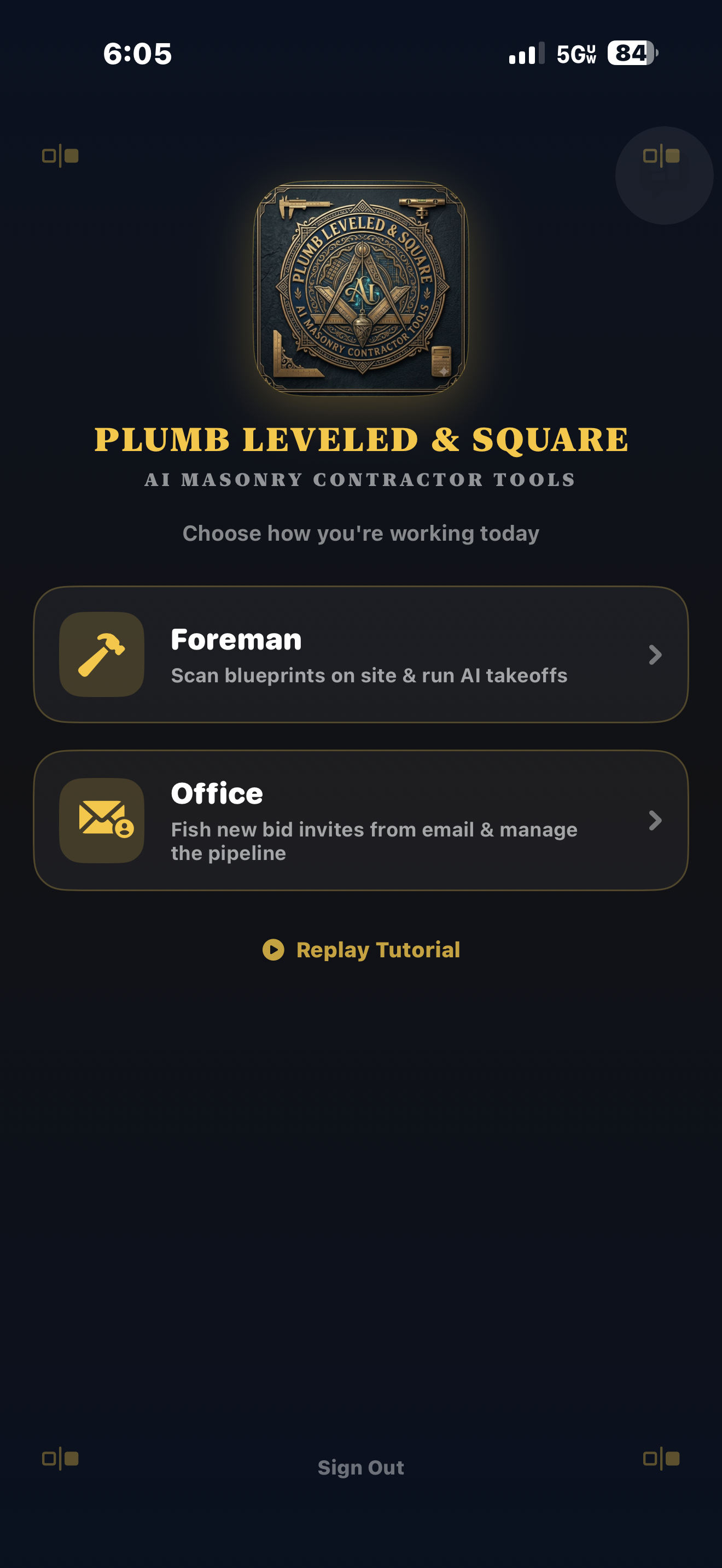
Owner-supplied iPhone screenshot of Plumb Leveled and Square showing the current gold masonry logo, Foreman and Office workspaces, Replay Tutorial and Sign Out.
Actual iPhone screenshot supplied by the owner. Workspace screen with the current logo, supplied by the owner. Shown unaltered.

A better starting point
for your next bid.

Build masonry estimates with material and labor inputs. Optional AI takeoffs give you editable quantities—not a black-box final answer.

  • Review material quantities
  • Set labor inputs
  • Verify the scope before bidding

Keep a record
of the day’s work.

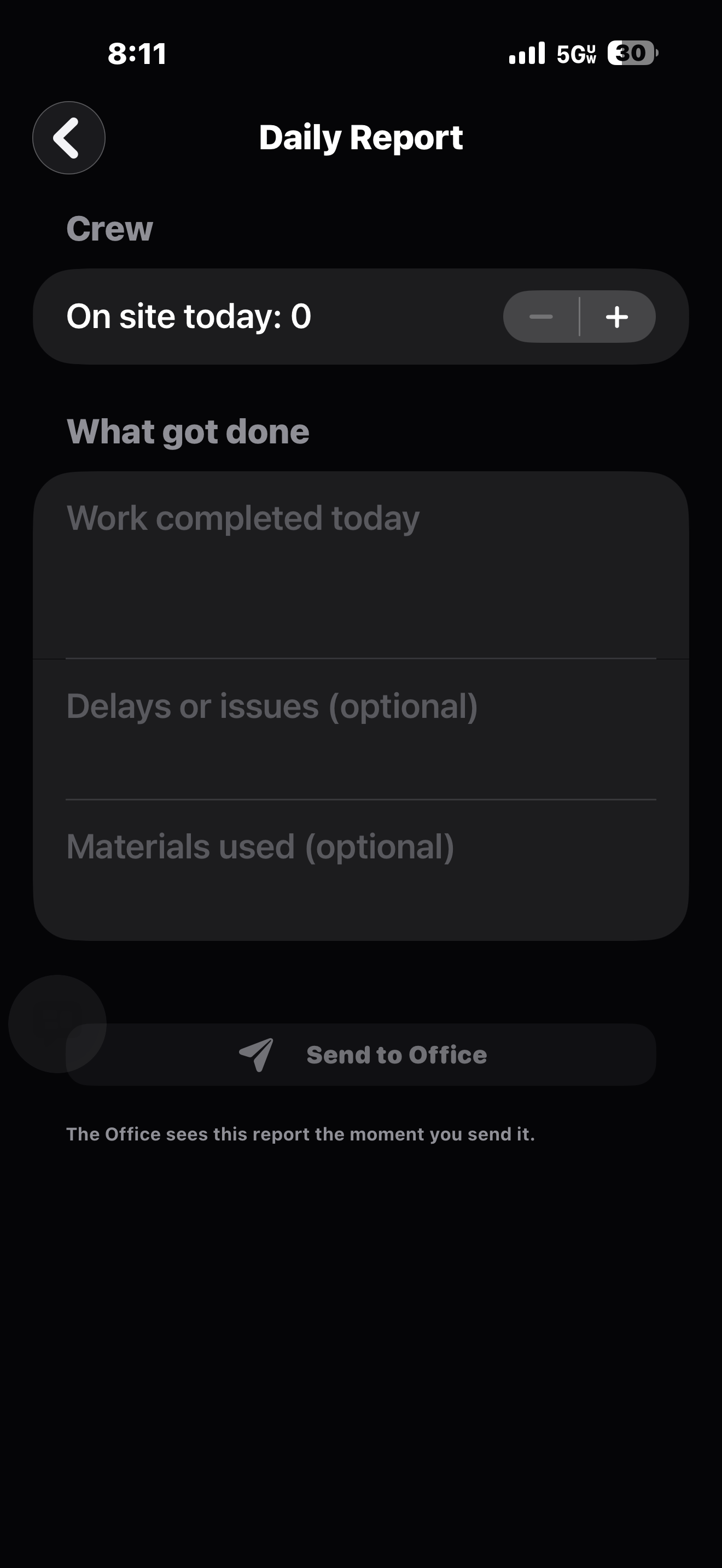
Record crew count, completed work, delays and materials in a daily report. The capture shows the empty form—not an invented completed job.
Owner-supplied iPhone Daily Report screenshot showing an empty report with crew count, completed work, delays and materials fields.
Actual iPhone screenshot supplied by the owner. An empty daily report—not a fabricated completed job.

Put safety
on the daily agenda.

Browse toolbox-talk topics and bring safety into your morning routine. Weather context helps you prepare for the conditions.
Owner-supplied iPhone Safety Meeting screenshot with Struck-By Hazards guidance and voice playback in progress.
Actual iPhone screenshot supplied by the owner. Safety meeting as captured; weather and playback indicators are not live on this website.
Guidance supports—not replaces—site safety procedures.

Make the day’s plan
clear to the crew.

Organize tasks by trade, update the plan and track completion throughout the day.
Owner-supplied iPhone Task Plan screenshot with three starter tasks, completion controls, edit and delete actions, and add-task fields.
Actual iPhone screenshot supplied by the owner. Task plan shown with the app’s three starter tasks.

See what’s on hand.
Spot what’s running short.

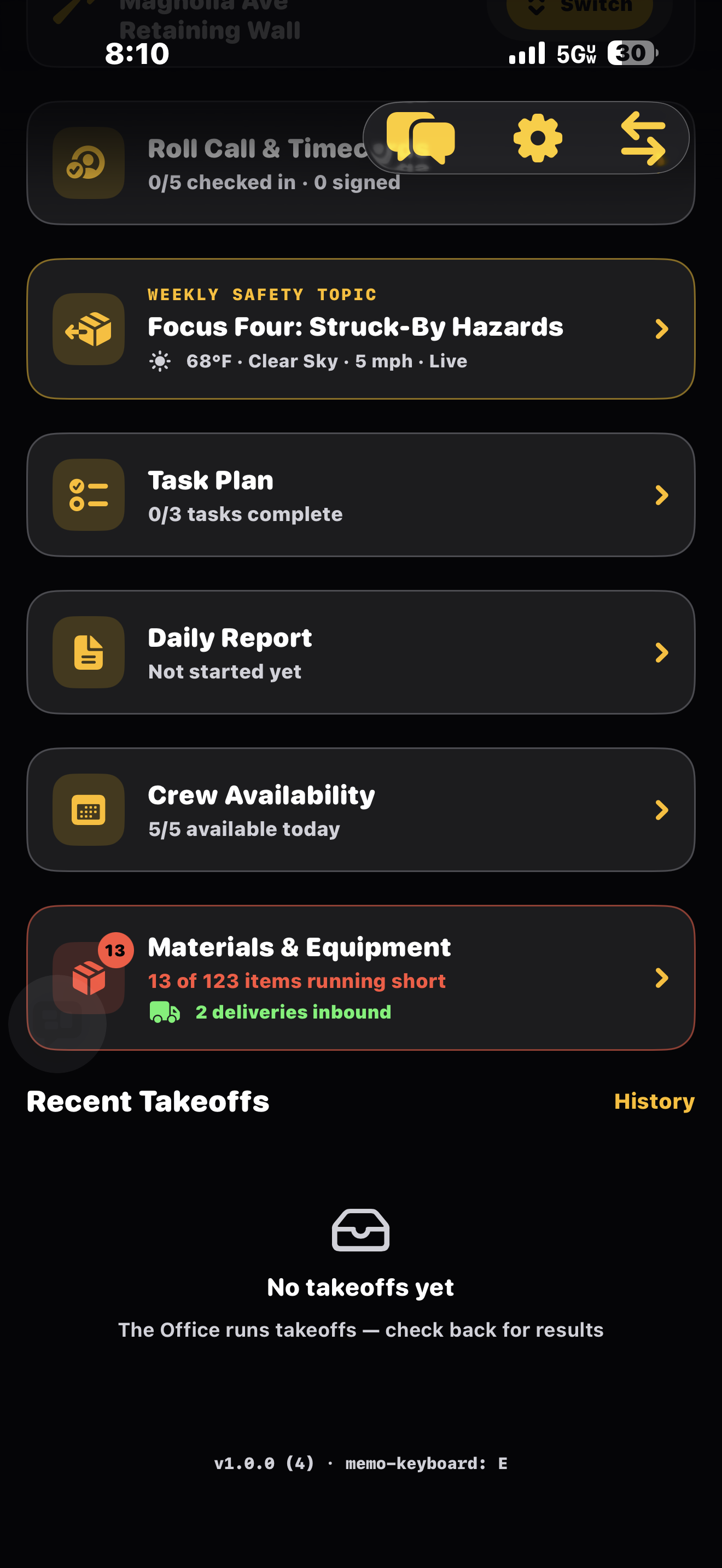
Review masonry stock, minimum quantities and material request controls in the app.
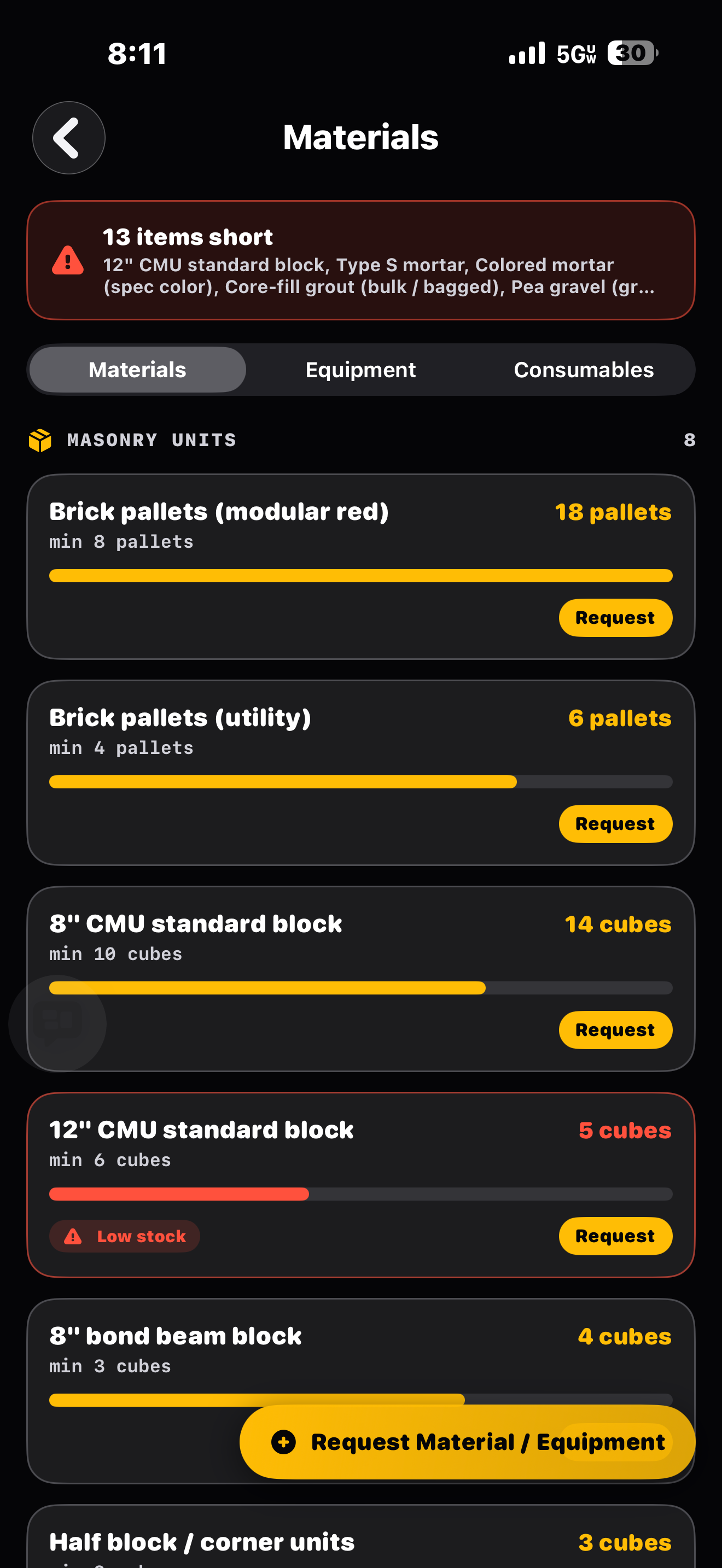
Owner-supplied iPhone Materials screenshot showing masonry stock quantities, minimum thresholds, low-stock warnings and request controls.
Actual iPhone screenshot supplied by the owner. Quantities are the captured app state, not live inventory on this website.
Inventory is currently stored on device, not fully Cloud-synced.
02 / FROM OFFICE TO FIELD

One craft.
Two perspectives.

Give each part of the job
a workspace that makes sense.

THE OFFICE

The big picture.
Down to the detail.

Work through estimates, plans and project records. Review field questions with the drawing close at hand.

  • Project and estimate workspace
  • Masonry material and labor inputs
  • Bid packets and optional AI takeoffs
THE FOREMAN

The day’s work.
Right in your pocket.

Find your project plans, raise a field question, organize the crew, and make safety part of the routine.

  • PDF plans and field pins
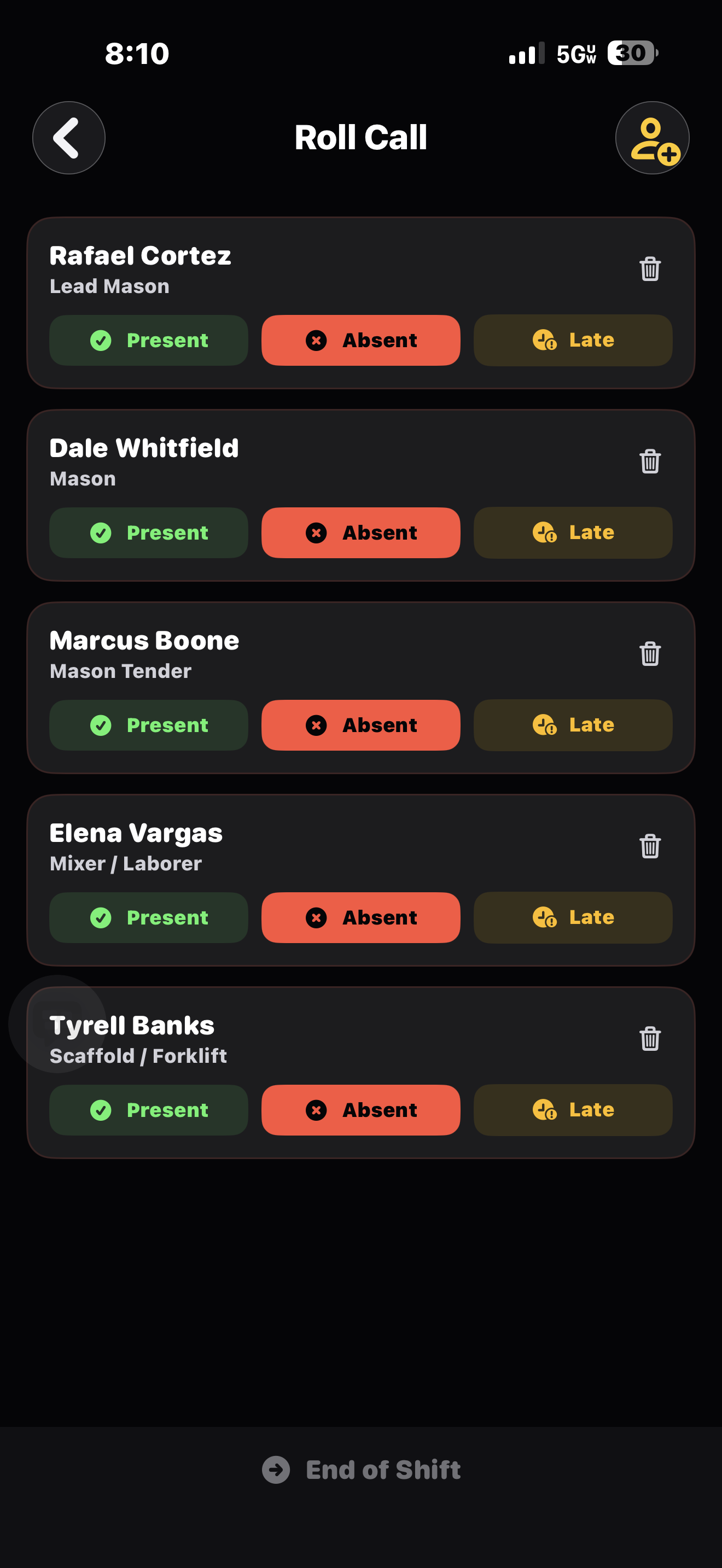
  • Roster, roll call and timecards
  • Daily reports and safety topics

Shared Cloud features require a connection. Some crew tools remain on-device in the current version. Read how your data is stored

BUILT AROUND THE CRAFT

Good work starts
with good tools.

You know the difference between a line that’s close and a line that’s right. Plumb brings that same purpose to the work around the work.

Explore your toolkit
03 / A FEW GOOD QUESTIONS

Before you
pick it up.

Visit support
Who is Plumb built for?

Masonry contractors, estimators, office teams and foremen. Its tools are organized around masonry work, with separate Office and Foreman workspaces.

What can I do with my plans?

Upload project PDFs, browse plan sets and put field questions in context on a drawing. Cloud-backed plan tools require a signed-in account and an internet connection.

Does AI replace an estimator?

No. AI takeoff is a starting point, not a final bid or engineering approval. Review the drawings and every quantity. A qualified person must verify estimates and site decisions.

Is everything stored in Cloud?

Not in the current version. Projects, plans and other shared features use Cloud, while crew roster, roll call/timecards and inventory still have on-device storage. Keep a recovery copy before changing devices. Our privacy page explains the distinction.

Are there subscriptions?

The app includes a basic tier and optional paid memberships. Available features, local prices and renewal terms are shown in the app’s purchase screen before you pay. This website does not promise a free trial.

PLUMB. LEVELED. SQUARE.

Your next job.
A better toolkit.

Purpose-built for masonry. A better workday is taking shape.

Coming soon to the App Store

Not available for public download yet. The App Store link will be added after approval.